
GuideTikTok
How Do You Write a TikTok Video That Introduces Your SaaS?
Start with a problem your audience recognizes, show your SaaS solving it, then give viewers one clear next step. A simple structure makes your value easier to understand and gives you useful angles to test.
· 5 min read
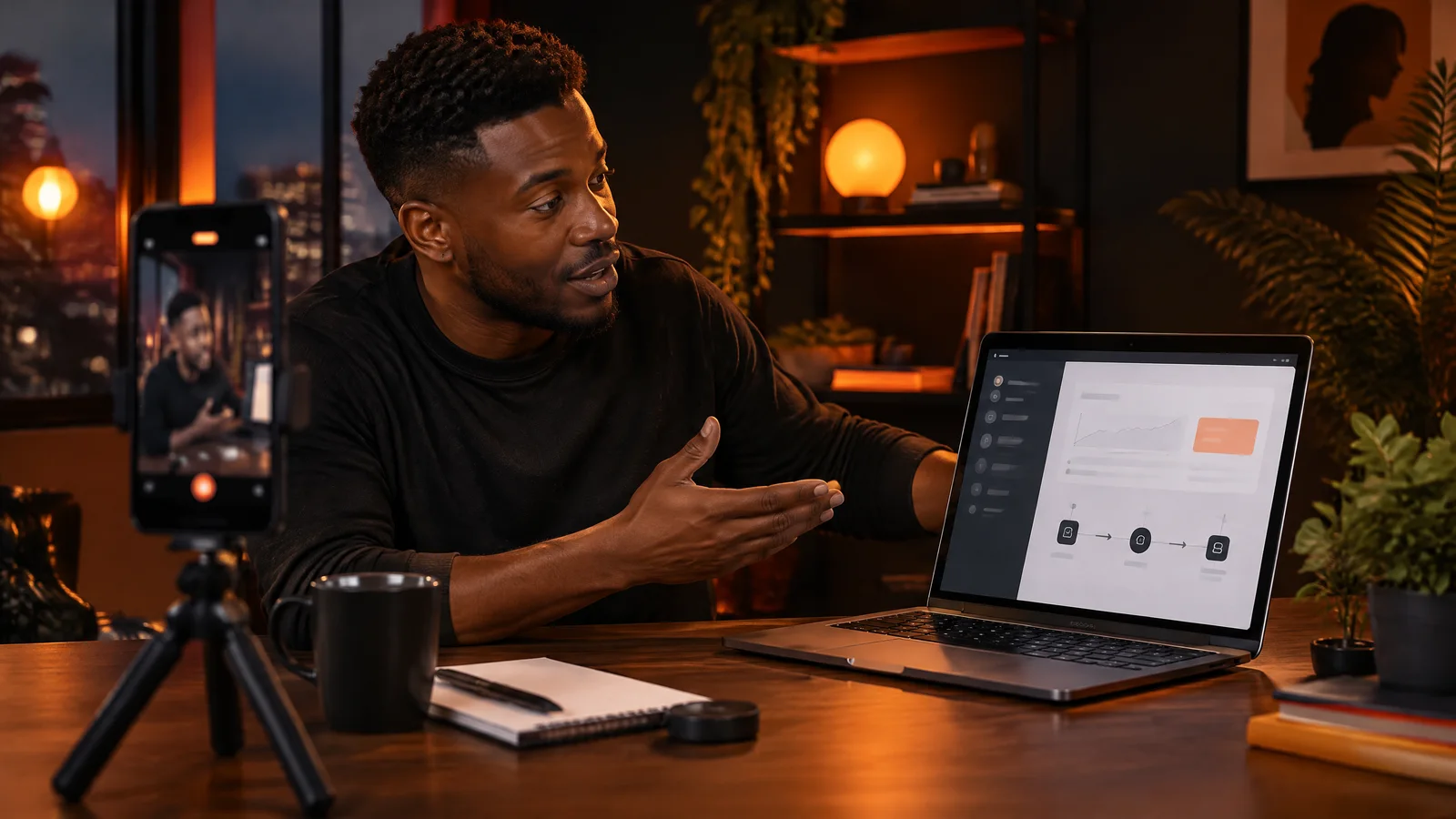
A TikTok video introducing your SaaS does not need to be a tour of every feature. Start with a problem your audience recognizes, show how your product addresses it, and tell viewers what to do next. That gives you a repeatable script structure without relying on a passing trend.
What structure should a SaaS TikTok video follow?
Build the video in three parts: hook, benefit, action. TikTok recommends this structure for short videos, along with formats to try such as problem-solution, tips, product demonstrations, unboxing, and trends. Those recommendations are aimed at brands and do not guarantee results for organic videos, but they offer useful starting points for shaping a script (TikTok’s short-video guide).
- Hook: Name a specific frustration or goal.
- Benefit: Show what your product helps someone do, ideally on screen.
- Action: Give viewers one clear next step, such as trying the product or exploring a feature.
Keep each video focused on one idea. If your SaaS helps people manage projects, do not try to explain task tracking, reports, integrations, and team roles in the same clip. Pick one problem your audience faces and show one relevant feature addressing it.
How do you write a hook that feels relevant?
Your hook does not have to introduce your company. Its job is to give someone a reason to keep watching: a recognizable problem, a relevant promise, or a useful question. In its advertising guidance, TikTok advises presenting the content proposition within the first three seconds and prioritizing a hook within the first six. Buffer also places a short-video hook in its first three to five seconds and recommends aligning the visuals, text, and sound (TikTok’s ad creative guidance, Buffer’s guide to hooks).
Treat these as writing and testing cues, not a universal formula. Ask whether a viewer can quickly tell what problem the video is about and why it might be useful.
Try adapting structures like these to your product:
- “Still spending time on [frustrating task]?”
- “Here’s how I handle [specific outcome] without [common obstacle].”
- “If you’re dealing with [specific situation], try this way to [action].”
Avoid broad claims like “the best tool to save time.” Show an observable situation instead. Rather than saying your app makes work easier, demonstrate a move from scattered notes to an organized workspace. Do not promise an outcome that the video cannot support.
What should you show on screen?
Show the product solving the problem you just introduced. Begin with a screen or situation that makes the problem clear, then show the real steps needed to reach the benefit. A screen recording can lack context on its own, so add a voiceover, a gesture, or a caption that tells viewers what they are seeing.
Try different formats while keeping the central problem consistent:
- Problem-solution: Set up a difficulty, then show how your SaaS addresses it.
- Demo: Complete one specific task in the product, from the starting point to the outcome.
- Tip: Share a useful method and show how your product can help someone apply it.
- Trend: Use a popular format only if it supports your message and still makes sense to someone unfamiliar with the reference.
For ads, TikTok recommends a vertical 9:16 frame, sound, resolution of at least 720p, and a less polished look that feels closer to native platform content. These are advertising recommendations, not a guarantee that an organic post will perform. They can still help you make a clear demo without turning every video into a highly produced commercial (TikTok’s creative recommendations).
Keep on-screen text easy to read, and make sure the sound adds something: an explanation, a reaction, or a rhythm that fits the edit. TikTok reports that in the studies it cites, the first two seconds account for 50% of the impact on ad recall and brand awareness. That figure relates to advertising studies cited by TikTok. Take it as a reason to pay attention to your opening, not proof that one particular format will deliver more views (TikTok’s creative tips.
How can you write a script that does not sound like a sales pitch?
Start by writing what you would tell someone who has the problem, then remove anything that does not help explain the demo. A script can be as simple as:
- Problem: “You need to [task], but [friction] is getting in the way.”
- Demo: “In [feature], I do [visible action].”
- Benefit: “That helps me [task-related outcome].”
- Action: “Try [clear next step].”
You do not have to speak directly to camera. Record a voiceover while showing the interface, or appear briefly at the start and end. Either way, keep one main idea and make sure the demo matches the promise in your hook.
A TikTok for Business case study describes B2B SaaS company Goodcall using creator videos that were 15 to 30 seconds long, with a clear message and quick transitions, then amplifying its strongest creative through Spark Ads. Treat this as an example of an approach to test, not evidence that the same length or format will work for your product (Goodcall case study).
How do you test more than one useful video?
Change one element at a time. Keep the same problem and demo, then test different hooks. After that, try two ways of showing the product or two calls to action. This makes it easier to learn what clarifies your offer instead of guessing which of several changes made the difference.
For each video, write down:
- the audience and problem you are addressing;
- the opening line;
- the feature you show;
- the action you ask viewers to take;
- what you want to learn from the test.
Do not judge an idea by views alone. For a SaaS, also check whether people understand what the product does and take the action you suggested. If you post on TikTok and Instagram, adapt the video for each platform instead of assuming one edit will fit both.
If you want to prepare variations faster, Firemarket can read your product page from its URL and create editable hooks and captions, as well as videos including UGC-style clips with AI voices and characters. Use it to develop options to review, then keep only the versions that accurately represent your product and audience.
What should you check before publishing?
Review the script from the perspective of someone who has never heard of your SaaS. Can they identify the problem, see how the product helps, and understand what to do next? If not, simplify the video before adding effects or another idea.
Prepare a short demo and record one version with a problem-led hook and another with a benefit-led hook. Publish, pay attention to responses and actions, and use what you learn to shape the next video. Firepilot, Firemarket’s autopilot, can write, create, schedule, and publish posts on TikTok and Instagram, then learn from what works—useful if you want to build these tests into a consistent publishing routine.
Sources
The pages we read to write this post.
- Making TikTok Videos For High Engagement: The Complete Guide — TikTok for Business · ads.tiktok.com
- Creative best practices for performance ads — TikTok for Business · ads.tiktok.com
- 5 Creative tips for TikTok ads that break through the clutter — TikTok for Business · ads.tiktok.com
- The Anatomy of a Great Hook: How to Grab (and Keep) Attention in 2026 — Buffer · buffer.com
- Goodcall — TikTok for Business Case Study · ads.tiktok.com