Guide
How to Make a SaaS Demo Video for TikTok and Instagram Reels
Start with a recognizable problem, show your product’s result quickly, and end with one clear next step. Use this practical process to make a short demo that’s easy to follow and repurpose.
· 6 min read
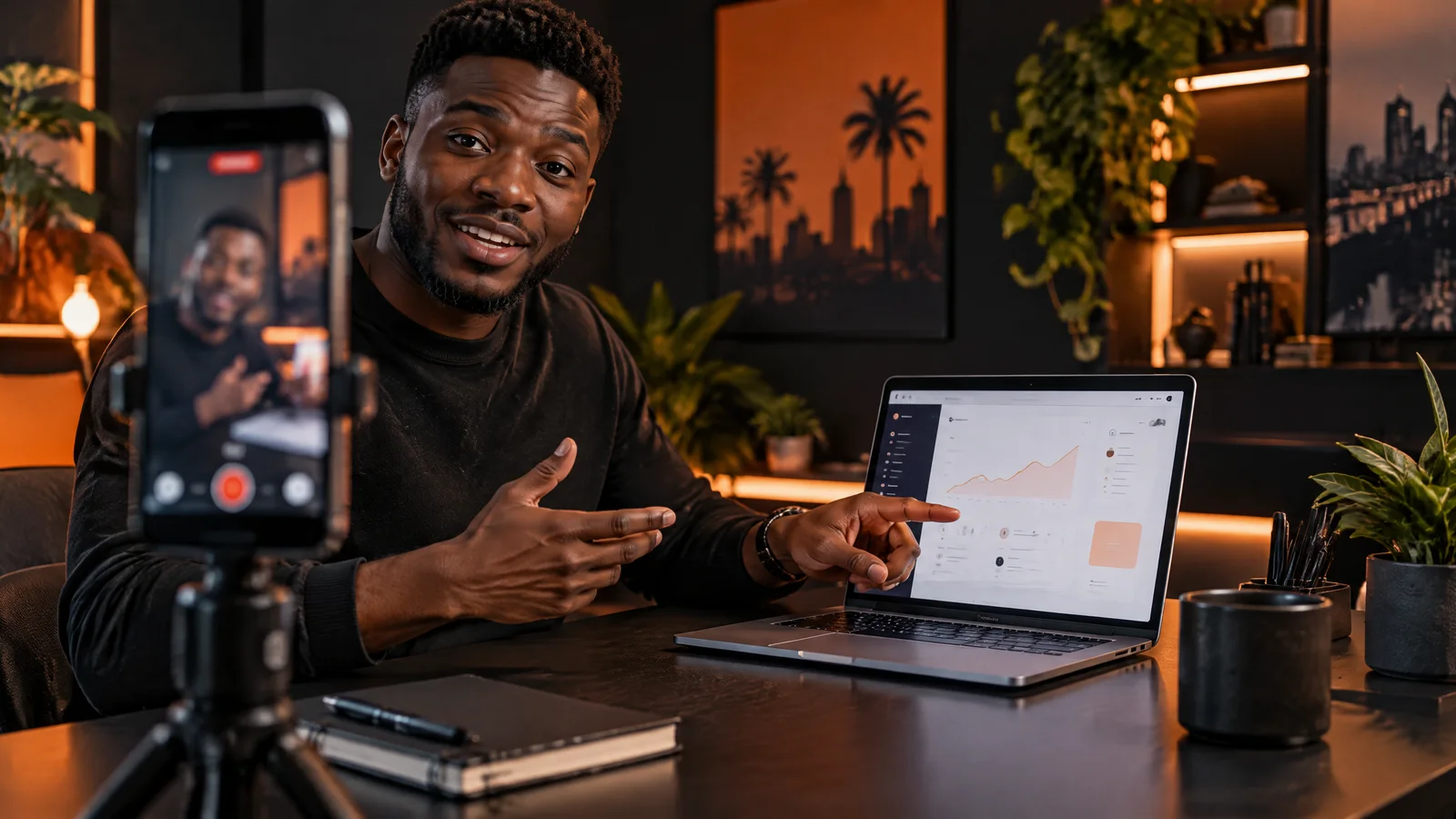
A strong SaaS demo video doesn’t begin with a tour of every screen. It shows the right viewer how your product helps with a problem they recognize. For TikTok and Instagram Reels, lead with that situation, make the result visible early, then tell people what they can do next.
1. What should your video accomplish?
Decide on the video’s job before you hit record. A short social clip is mainly for discovery; it doesn’t need to explain every feature or replace a full product walkthrough.
Wistia separates social awareness videos, usually under a minute, from videos that explain how a product works. In its analysis of more than 13 million videos, under-a-minute videos averaged 52% engagement, while product videos of that length averaged 50%. For a more detailed product explanation, Wistia recommends a one-to-five-minute video; viewers generally watch more than half of educational and tutorial videos in that range (Wistia’s analysis).
For a discovery clip, focus on one benefit you want viewers to understand. If you need to show several steps or answer a complex question, make a longer explainer or break the topic into separate clips. You’re not hiding features; you’re giving each one enough room to make sense.
2. Which problem should you show first?
Don’t open with your SaaS name, a feature list, or “Here’s our tool.” Viewers don’t yet know why they should care. Start with a situation your intended audience recognizes: a repetitive task, a time-consuming step, a common mistake, or a result they’re trying to achieve.
FindClout’s guide to SaaS videos for TikTok and Reels recommends opening with a concrete problem or situation rather than a list of features. It also describes formats such as before-and-after videos and demos that show a result happening on screen (FindClout’s guide).
To find an angle, finish one of these prompts before recording:
- “If you’re trying to…”
- “You know that moment when…”
- “Instead of doing ___ by hand, you can…”
- “Here’s what changes when you…”
Pick one prompt and connect it to a specific audience. “Organize your customer requests” is easier to illustrate than “be more productive.” A concrete problem gives you a scene or action to show, rather than an abstract promise to explain.
3. How do you write a hook that leads into the demo?
TikTok recommends a simple structure: hook, body, close. In its advertising recommendations, the platform advises presenting the hook in the first six seconds, introducing the proposition in the first three seconds, and using five to ten words per second for on-screen text (TikTok’s creative recommendations).
Turn that into a straightforward script:
- Hook: Name the problem or show it happening.
- Proposition: Quickly tell viewers what they’re about to see, such as “I’m turning this request into a task in a few steps.”
- Demo: Show one real action in the product, then reveal its result.
- Close: Offer a next step that fits the video.
Your hook should make people curious without promising more than the demo delivers. Write it the way you’d say it out loud, then remove words that don’t add meaning. For on-screen text, show one idea at a time and check that it stays readable. TikTok’s guidance is a production reference, not a reason to fill every moment with text.
4. How do you show the product without losing the story?
A useful demo shows a transformation: an input, an action, and a result. Record the product while the action happens instead of scrolling through screens without context.
Plan the walkthrough before recording:
- Open the product on the screen that supports your idea.
- Prepare a simple example without sensitive information.
- Show only the steps needed to reach the result.
- Keep the result visible long enough to understand.
- Add a voiceover or caption that explains why the action matters to the user.
You can film yourself, record the screen, or combine the two. Either way, don’t confuse speed with clarity. Editing out a pause is fine; cutting so quickly that viewers can’t follow the action isn’t. If you need to explain several details at once, save one for another clip.
5. How should you frame and record for TikTok and Reels?
TikTok recommends vertical 9:16 video, a resolution of 720p or higher, and keeping important elements clear of areas covered by the interface (TikTok’s creation guide). For a founder recording on a phone, that means setting up a vertical frame from the start and keeping essential text, your face, and key product details away from the edges where controls may appear.
Review the video on a phone, not only in your editing software. Check that text is readable, the cursor doesn’t hide the action, and the product interface is large enough to see. If you use voiceover, listen on your phone: each sentence should be clear. Captions can make the explanation easier to follow, but keep them short and connected to what’s happening on screen.
6. What call to action should you use?
End with one action that matches the amount of detail in the clip. After a short demo, you might invite viewers to try the product, watch a fuller explanation, or ask a question. Avoid stacking several requests. Asking people to follow, comment, click, and sign up at the same time makes the next step less obvious.
Be specific. “See how it works” is more useful when the video has shown a particular feature and the destination lets viewers explore it. If you want questions, ask one that a potential user can answer easily. Make sure the next step actually exists and follows naturally from the promise in the video.
7. How can you turn one demo into several clips?
A longer walkthrough may contain several moments that can stand alone: the problem, one product step, a result, or an answer to an objection. You can make separate clips from those moments, but each one needs its own context. Don’t simply slice a long video at random; give every excerpt a fitting hook and close.
A ReachCat case study describes a B2B SaaS company repurposing 12 demo videos, alongside a weekly podcast and no ad budget, before reaching 1,000 paying customers in four months. The article says the demos alone could also have supported a viable campaign. This is a case reported by a distribution company, not proof that another SaaS will get the same result (ReachCat case study). The practical takeaway is narrower: plan your demos so that you can extract self-contained moments.
To make this repeatable, note the hook, problem, visible result, and call to action for each post. Compare audience response and sign-ups without assuming that one clip explains everything. Firemarket can help you create editable hooks and captions, while its reports show what attracts your audience and what brings sign-ups. You can also give Firemarket your product URL: it reads the page to understand the offer, features, and intended audience.
Your next demo to record
Choose one recurring audience problem, write a one-sentence hook, and record one action that produces a visible result. Save everything else for another clip. The demo will be easier to follow, reuse, and improve. Firemarket is free to start with no credit card required, and you can get started.
Sources
The pages we read to write this post.
- TikTok Creative Codes: 6 Principles for Creating Effective Ads — TikTok for Business · ads.tiktok.com
- Creative best practices for performance ads — TikTok for Business · ads.tiktok.com
- How to Choose the Right Marketing Video Length for Any Goal — Wistia · wistia.com
- The Key Takeaways From Wistia's 2026 State of Video Webinar — Wistia · wistia.com
- How One SaaS Got Their First 1,000 Users From Clipping Distribution in 2026 (Zero Ads) — ReachCat · reach.cat
- SaaS Product Demo Videos That Work on TikTok and Reels — FindClout · findclout.com